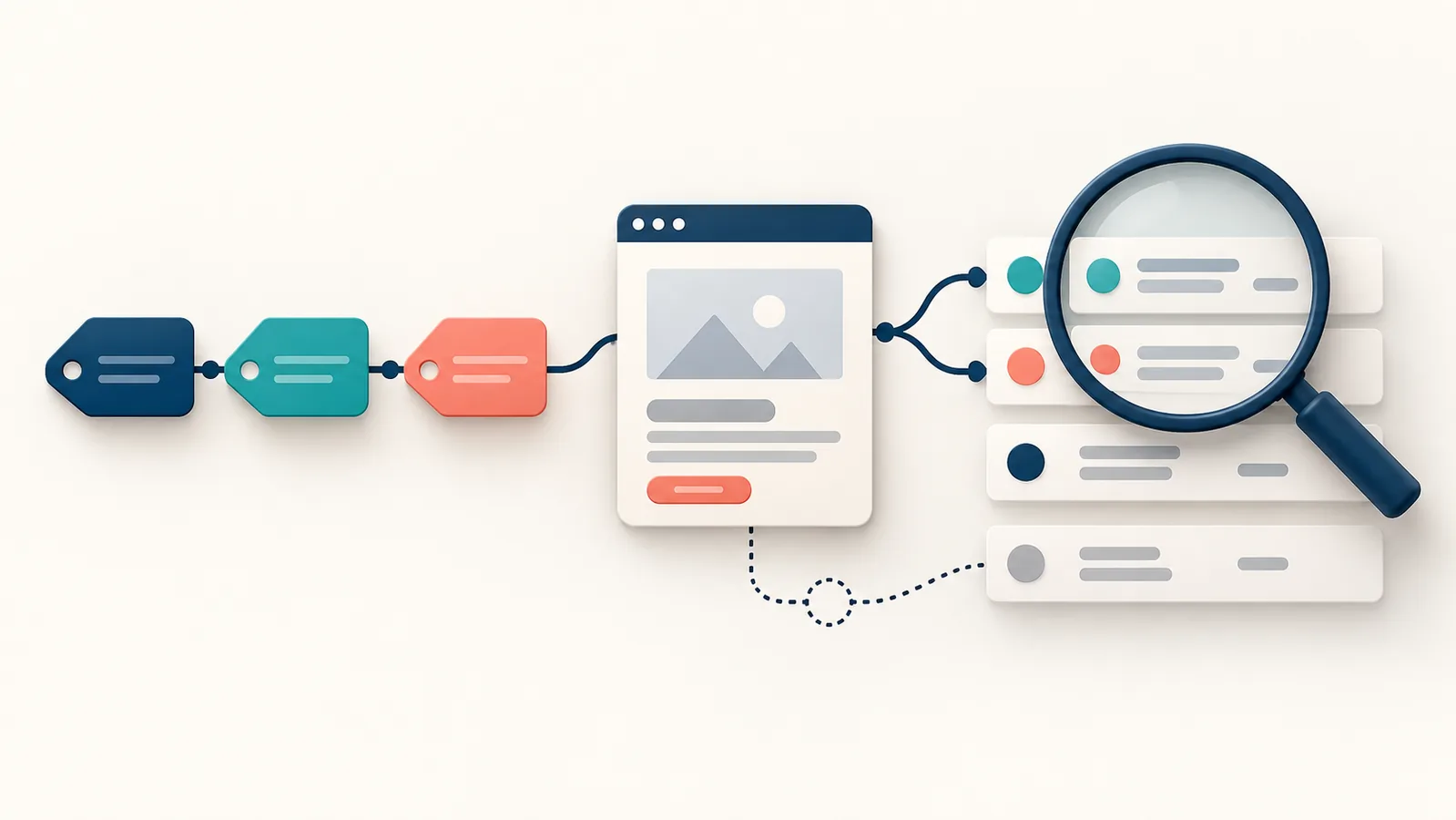
How to Create and Use UTM Links for Campaign Tracking should help a reader make better decisions, not simply fill a content calendar. This rewritten guide focuses on the real tasks, trade-offs, and examples behind the topic.
Quick answer: UTM links add campaign labels to a destination URL so analytics can separate visits by source, medium, campaign, term, and content. A useful UTM system uses consistent lowercase names, never tags internal links, and documents naming rules before a campaign launches.
Use this how to create and use utm links for campaign tracking guide as a working reference: choose the section that matches the current problem, apply its checks, and record what changed so the next review begins with evidence.
Learn what each UTM parameter records
Source identifies the referring platform
Use source for the specific platform or publisher, such as google, linkedin, newsletter, or partner_name. Avoid vague sources like social when you need to distinguish platforms.
Practical check: A LinkedIn company-page post and an Instagram story should not share the same source if you want useful reporting.
Medium identifies the channel type
Use medium for the broad marketing channel: email, paid_social, organic_social, cpc, referral, or affiliate. Decide the vocabulary once and share it with everyone building links.
Practical check: If one person uses paid-social and another uses social_paid, reports split the same channel into separate rows.
Campaign, term, and content add useful detail
Campaign groups related activity around a launch or objective. Term is commonly used for paid-search keywords, while content distinguishes creative, placement, or link variations.
Practical check: Use content=hero_button and content=footer_link to compare two links in the same email without inventing separate campaigns.
Implementation sequence for learn what each utm parameter records: begin with source identifies the referring platform; use what you learn to improve medium identifies the channel type; then finish by reviewing campaign, term, and content add useful detail. Record the decision, owner, and next review date so the work does not disappear into an untracked to-do list.
- Review: Source identifies the referring platform — A LinkedIn company-page post and an Instagram story should not share the same source if you want useful reporting.
- Review: Medium identifies the channel type — If one person uses paid-social and another uses social_paid, reports split the same channel into separate rows.
- Review: Campaign, term, and content add useful detail — Use content=hero_button and content=footer_link to compare two links in the same email without inventing separate campaigns.
Create a naming convention before building links
Choose readable lowercase names
Lowercase prevents Facebook and facebook from appearing as different values. Replace spaces with underscores or hyphens and avoid names only one teammate understands.
Practical check: A useful campaign name is spring_workshop_2026; a weak one is test2final.
Keep a simple campaign register
A shared sheet can record destination URL, source, medium, campaign, owner, launch date, and notes. It prevents accidental duplicates and helps explain reports months later.
Practical check: Agencies should include client-approved naming rules in the campaign brief.
Build and test the final URL
Use the UTM Builder to add parameters safely. Open the final link, confirm the landing page loads, and check that existing query parameters remain intact.
Practical check: Test before scheduling posts or printing a QR code; a broken destination cannot be repaired after distribution.
Implementation sequence for create a naming convention before building links: begin with choose readable lowercase names; use what you learn to improve keep a simple campaign register; then finish by reviewing build and test the final url. Record the decision, owner, and next review date so the work does not disappear into an untracked to-do list.
- Review: Choose readable lowercase names — A useful campaign name is spring_workshop_2026; a weak one is test2final.
- Review: Keep a simple campaign register — Agencies should include client-approved naming rules in the campaign brief.
- Review: Build and test the final URL — Test before scheduling posts or printing a QR code; a broken destination cannot be repaired after distribution.
Helpful tools for this stage: UTM Builder, URL Slug Generator, CTA Generator. Use them for focused tasks and review every result before implementation.
Use UTM links across real campaigns
Track email newsletters without confusing links
Tag links by newsletter source, email medium, campaign, and optional content position. Keep subscriber-facing URLs clean when the email platform supports branded tracking.
Practical check: For a monthly newsletter, content values can distinguish the main story from the footer CTA.
Compare social posts and paid ads
Use a stable medium for organic or paid social and a distinct source per platform. For paid campaigns, align naming with the advertising account where practical.
Practical check: Do not use UTM values to store sensitive audience names or personal data.
Read campaign results in GA4
Campaign parameters populate acquisition dimensions when the visit is recorded correctly. Compare relevant sessions, engagement, and conversions rather than declaring success from clicks alone.
Practical check: A campaign that sends fewer visitors but more qualified enquiries may be the better investment.
Implementation sequence for use utm links across real campaigns: begin with track email newsletters without confusing links; use what you learn to improve compare social posts and paid ads; then finish by reviewing read campaign results in ga4. Record the decision, owner, and next review date so the work does not disappear into an untracked to-do list.
- Review: Track email newsletters without confusing links — For a monthly newsletter, content values can distinguish the main story from the footer CTA.
- Review: Compare social posts and paid ads — Do not use UTM values to store sensitive audience names or personal data.
- Review: Read campaign results in GA4 — A campaign that sends fewer visitors but more qualified enquiries may be the better investment.
Prevent the mistakes that damage reporting
Never tag internal website navigation
An internal UTM link starts a new campaign attribution event and can overwrite the visitor's original acquisition context. Use events or other measurement methods for internal clicks.
Practical check: Remove UTM parameters from menu links, homepage banners, and links between articles.
Do not change naming halfway through a campaign
Renaming summer_sale to summer-promo splits reporting. If a correction is essential, document the date and map the values during analysis.
Practical check: Lock campaign names before assets are distributed.
Avoid putting personal information in URLs
URLs can appear in analytics, browser history, screenshots, and server logs. Never place email addresses, phone numbers, or customer identifiers in UTM values.
Practical check: Use anonymous campaign labels that describe marketing activity, not individual people.
Implementation sequence for prevent the mistakes that damage reporting: begin with never tag internal website navigation; use what you learn to improve do not change naming halfway through a campaign; then finish by reviewing avoid putting personal information in urls. Record the decision, owner, and next review date so the work does not disappear into an untracked to-do list.
- Review: Never tag internal website navigation — Remove UTM parameters from menu links, homepage banners, and links between articles.
- Review: Do not change naming halfway through a campaign — Lock campaign names before assets are distributed.
- Review: Avoid putting personal information in URLs — Use anonymous campaign labels that describe marketing activity, not individual people.
Build a repeatable campaign-tracking workflow
Brief the campaign and destination first
Confirm the audience, offer, landing page, channel, and desired conversion before creating tracked links. Tracking cannot rescue an unclear campaign.
Practical check: Make sure the destination page contains the promised information and a working next step.
Generate, review, and distribute links
Create one approved source of truth for links, test each destination, and give channel owners the correct URL. Avoid rebuilding links manually in multiple documents.
Practical check: The UTM Builder is useful during review because every parameter is visible before copying.
Close the loop after the campaign
Review performance against the campaign goal, record learnings, and archive the final naming values. Reuse proven conventions, not necessarily the same creative.
Practical check: Keep a note explaining anomalies such as budget changes, broken links, or delayed tracking.
Implementation sequence for build a repeatable campaign-tracking workflow: begin with brief the campaign and destination first; use what you learn to improve generate, review, and distribute links; then finish by reviewing close the loop after the campaign. Record the decision, owner, and next review date so the work does not disappear into an untracked to-do list.
- Review: Brief the campaign and destination first — Make sure the destination page contains the promised information and a working next step.
- Review: Generate, review, and distribute links — The UTM Builder is useful during review because every parameter is visible before copying.
- Review: Close the loop after the campaign — Keep a note explaining anomalies such as budget changes, broken links, or delayed tracking.
Frequently asked questions
What is the difference between source and medium?
Source names the specific platform or publisher; medium names the broader channel type.
Where do UTM campaigns appear in GA4?
They populate acquisition dimensions such as session campaign, source, and medium when collection is configured correctly.
Should UTM values use spaces?
Avoid spaces. Use a consistent separator such as underscore and keep values lowercase.
Can UTM links be used in QR codes?
Yes. Test the destination and keep the encoded URL stable before printing.
Should paid ads use UTMs?
They can supplement platform auto-tagging and cross-channel reporting, but naming should match the measurement plan.
Why should internal links not use UTMs?
They can overwrite the original campaign context and distort acquisition reports.
Conclusion: UTM links are useful only when the naming system is understandable. Define the convention before launch, test every destination, and review campaign outcomes with the same care used to build the links.
Need help growing your business online?
Visit Skyhoora for website design, SEO, ads, tracking setup, and AI automation.
Visit Skyhoora