Category: Uncategorized

  • PDF Converter Tools: Simple Guide for Beginners

    PDF converter tools help turn everyday files into documents that are easier to share and archive.

    A practical approach

    Before converting, organize files, confirm page order, remove unnecessary content, and decide whether the result needs A4, Letter, portrait, or landscape pages.

    What to check before you finish

    Browser-based tools are practical for lightweight documents. Use specialist software for digital signatures, accessible tagged PDFs, advanced forms, secure redaction, or high-end print production.

    A simple workflow

    1. Define the real task and desired output.
    2. Prepare accurate source content or files.
    3. Use the focused tool and review the result.
    4. Test the final output in its real destination.

    Use a free Skyhoora tool

    Explore Free PDF Tools to complete the next step, then review the output before publishing or sharing.

    Need professional implementation help?

    Skyhoora helps with websites, SEO, ads, tracking, content, and AI automation.

    Visit Skyhoora

  • JPG vs PNG vs WebP: Which Image Format Should You Use?

    JPG, PNG, and WebP solve different image problems, so the right choice depends on the content.

    A practical approach

    Use JPG for photographs where modest quality loss is acceptable, PNG for transparency or crisp interface graphics, and WebP when you want modern web compression with broad browser support.

    What to check before you finish

    Keep source files, test output quality, and verify that your publishing platform supports the chosen format. Format choice matters, but correct dimensions and compression matter too.

    A simple workflow

    1. Define the real task and desired output.
    2. Prepare accurate source content or files.
    3. Use the focused tool and review the result.
    4. Test the final output in its real destination.

    Use a free Skyhoora tool

    Open the Image Format Converter to complete the next step, then review the output before publishing or sharing.

    Need professional implementation help?

    Skyhoora helps with websites, SEO, ads, tracking, content, and AI automation.

    Visit Skyhoora

  • How to Optimize Images Before Uploading to WordPress

    Large images can slow WordPress pages and make mobile browsing frustrating.

    A practical approach

    Resize images to the largest dimensions they actually need, choose an appropriate format, compress carefully, and write useful alt text based on what the image shows. Keep the original file separately when future editing may be required.

    What to check before you finish

    Compare visual quality after compression instead of chasing the smallest possible file. A slightly larger clear image is often better than a visibly damaged one.

    A simple workflow

    1. Define the real task and desired output.
    2. Prepare accurate source content or files.
    3. Use the focused tool and review the result.
    4. Test the final output in its real destination.

    Use a free Skyhoora tool

    Compress an Image to complete the next step, then review the output before publishing or sharing.

    Need professional implementation help?

    Skyhoora helps with websites, SEO, ads, tracking, content, and AI automation.

    Visit Skyhoora

  • HTML to PDF: What It Is and When to Use It

    HTML to PDF conversion turns a simple web-style layout into a document that can be downloaded and shared.

    A practical approach

    It works well for lightweight reports, invoices, briefs, simple landing-page snapshots, and internal documents. Clean semantic HTML and a small amount of CSS usually produce the most reliable result.

    What to check before you finish

    Complex JavaScript, remote fonts, embedded widgets, and external assets may not render perfectly. Always review the PDF and use professional software for advanced print production.

    A simple workflow

    1. Define the real task and desired output.
    2. Prepare accurate source content or files.
    3. Use the focused tool and review the result.
    4. Test the final output in its real destination.

    Use a free Skyhoora tool

    Try the HTML to PDF Converter to complete the next step, then review the output before publishing or sharing.

    Need professional implementation help?

    Skyhoora helps with websites, SEO, ads, tracking, content, and AI automation.

    Visit Skyhoora

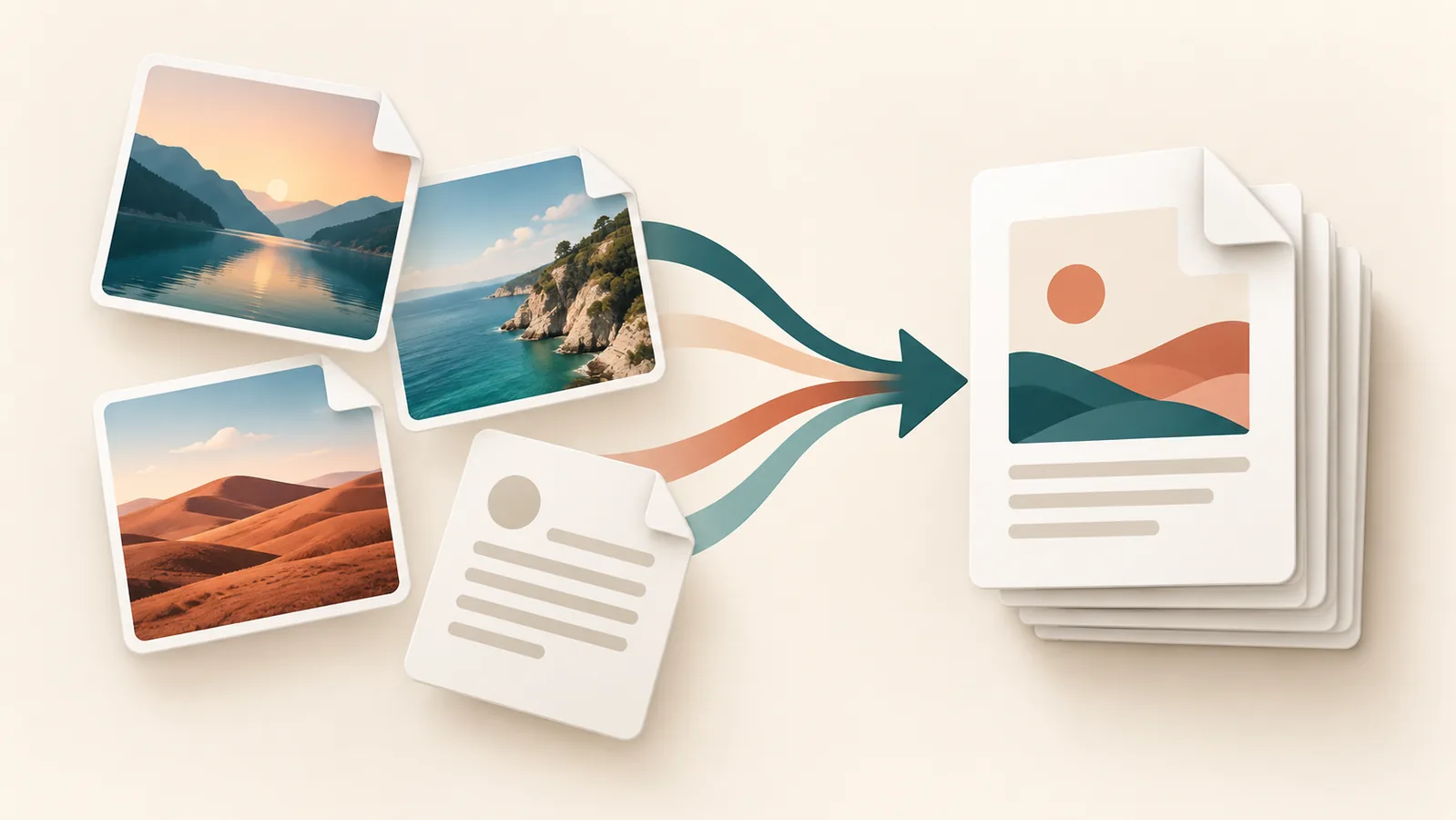
  • How to Convert Images to PDF Online for Free

    Combining images into one PDF makes scans, receipts, portfolios, and project notes easier to share.

    A practical approach

    Choose clear images in the correct order before conversion. Use A4 or Letter for documents, Auto for image-led pages, and a small margin when you want breathing room around every image.

    What to check before you finish

    After creating the file, review page order, orientation, sharpness, and final size. Sensitive files should stay on your device, so use a converter that clearly states local browser processing.

    A simple workflow

    1. Define the real task and desired output.
    2. Prepare accurate source content or files.
    3. Use the focused tool and review the result.
    4. Test the final output in its real destination.

    Use a free Skyhoora tool

    Use the Image to PDF Converter to complete the next step, then review the output before publishing or sharing.

    Need professional implementation help?

    Skyhoora helps with websites, SEO, ads, tracking, content, and AI automation.

    Visit Skyhoora

  • Best Free SEO Tools for Small Businesses

    Small businesses can improve search visibility without buying an expensive software stack. The right free tools help you make better decisions, catch technical mistakes, and publish clearer pages.

    Step-by-step approach

    Check the elements you control: page titles, descriptions, URLs, headings, content quality, internal links, images, and structured data. Use the Word Counter and Keyword Density Checker for content, Meta Title and Meta Description Generators for snippets, and Schema Markup Generator for structured data.

    Practical example

    A local service business can optimize one service page at a time: define the service and location, write a genuinely useful page, preview the search snippet, compress images, and add relevant schema.

    Common mistakes

    • Chasing scores instead of helping visitors.
    • Publishing thin, repetitive content.
    • Using generated outputs without human review.
    • Ignoring mobile experience and page speed.

    Recommended free tools

    Frequently asked questions

    Do free tools replace strategy?

    No. Tools make tasks faster, but clear goals and human review remain essential.

    How often should results be reviewed?

    Review important pages and campaigns regularly, especially after major changes.

    Need hands-on help?

    Skyhoora can turn these fundamentals into a practical growth system.

    Visit Skyhoora

  • How to Write Better Meta Titles and Descriptions

    Meta titles and descriptions shape a searcher’s first impression. They should accurately explain the page, match intent, and give the searcher a reason to click.

    Step-by-step approach

    Place the primary topic naturally near the beginning, keep the title focused, and use the description to explain a specific benefit. Check both with the SERP Preview Tool before publishing.

    Practical example

    A clear local title such as “Local SEO Services in Delhi | Skyhoora” is more useful than a vague title such as “Welcome to Our Website.”

    Common mistakes

    • Chasing scores instead of helping visitors.
    • Publishing thin, repetitive content.
    • Using generated outputs without human review.
    • Ignoring mobile experience and page speed.

    Recommended free tools

    Frequently asked questions

    Do free tools replace strategy?

    No. Tools make tasks faster, but clear goals and human review remain essential.

    How often should results be reviewed?

    Review important pages and campaigns regularly, especially after major changes.

    Need hands-on help?

    Skyhoora can turn these fundamentals into a practical growth system.

    Visit Skyhoora

  • What Is a SERP Preview Tool and Why It Matters

    A SERP preview shows how your title, URL, and description may look in search results. It helps catch unclear wording and length problems before publishing.

    Step-by-step approach

    Draft the title and description, add the final URL, review desktop-style presentation, and refine the message for clarity rather than forcing every character.

    Practical example

    A preview can reveal that a long brand name pushes the important service keyword out of view, helping you rewrite the title before launch.

    Common mistakes

    • Chasing scores instead of helping visitors.
    • Publishing thin, repetitive content.
    • Using generated outputs without human review.
    • Ignoring mobile experience and page speed.

    Recommended free tools

    Frequently asked questions

    Do free tools replace strategy?

    No. Tools make tasks faster, but clear goals and human review remain essential.

    How often should results be reviewed?

    Review important pages and campaigns regularly, especially after major changes.

    Need hands-on help?

    Skyhoora can turn these fundamentals into a practical growth system.

    Visit Skyhoora

  • How to Use UTM Links for Marketing Campaigns

    UTM parameters help analytics tools identify where campaign visits came from. Consistent naming makes campaign reports easier to understand.

    Step-by-step approach

    Add the landing-page URL, source, medium, campaign name, and optional content variation. Test the final URL, then use the same lowercase naming rules across your team.

    Practical example

    For a LinkedIn summer offer, use source “linkedin”, medium “social”, campaign “summer_offer”, and content “video_1”.

    Common mistakes

    • Chasing scores instead of helping visitors.
    • Publishing thin, repetitive content.
    • Using generated outputs without human review.
    • Ignoring mobile experience and page speed.

    Recommended free tools

    Frequently asked questions

    Do free tools replace strategy?

    No. Tools make tasks faster, but clear goals and human review remain essential.

    How often should results be reviewed?

    Review important pages and campaigns regularly, especially after major changes.

    Need hands-on help?

    Skyhoora can turn these fundamentals into a practical growth system.

    Visit Skyhoora

  • How Small Businesses Can Improve SEO Without Paid Tools

    SEO progress usually comes from doing the fundamentals consistently, not from owning the most expensive software.

    Step-by-step approach

    Understand customer questions, create useful service pages, improve titles and descriptions, link related pages, compress images, maintain accurate business information, and review performance regularly.

    Practical example

    A local contractor can publish detailed service pages, answer common customer questions, and improve image performance before investing in additional software.

    Common mistakes

    • Chasing scores instead of helping visitors.
    • Publishing thin, repetitive content.
    • Using generated outputs without human review.
    • Ignoring mobile experience and page speed.

    Recommended free tools

    Frequently asked questions

    Do free tools replace strategy?

    No. Tools make tasks faster, but clear goals and human review remain essential.

    How often should results be reviewed?

    Review important pages and campaigns regularly, especially after major changes.

    Need hands-on help?

    Skyhoora can turn these fundamentals into a practical growth system.

    Visit Skyhoora