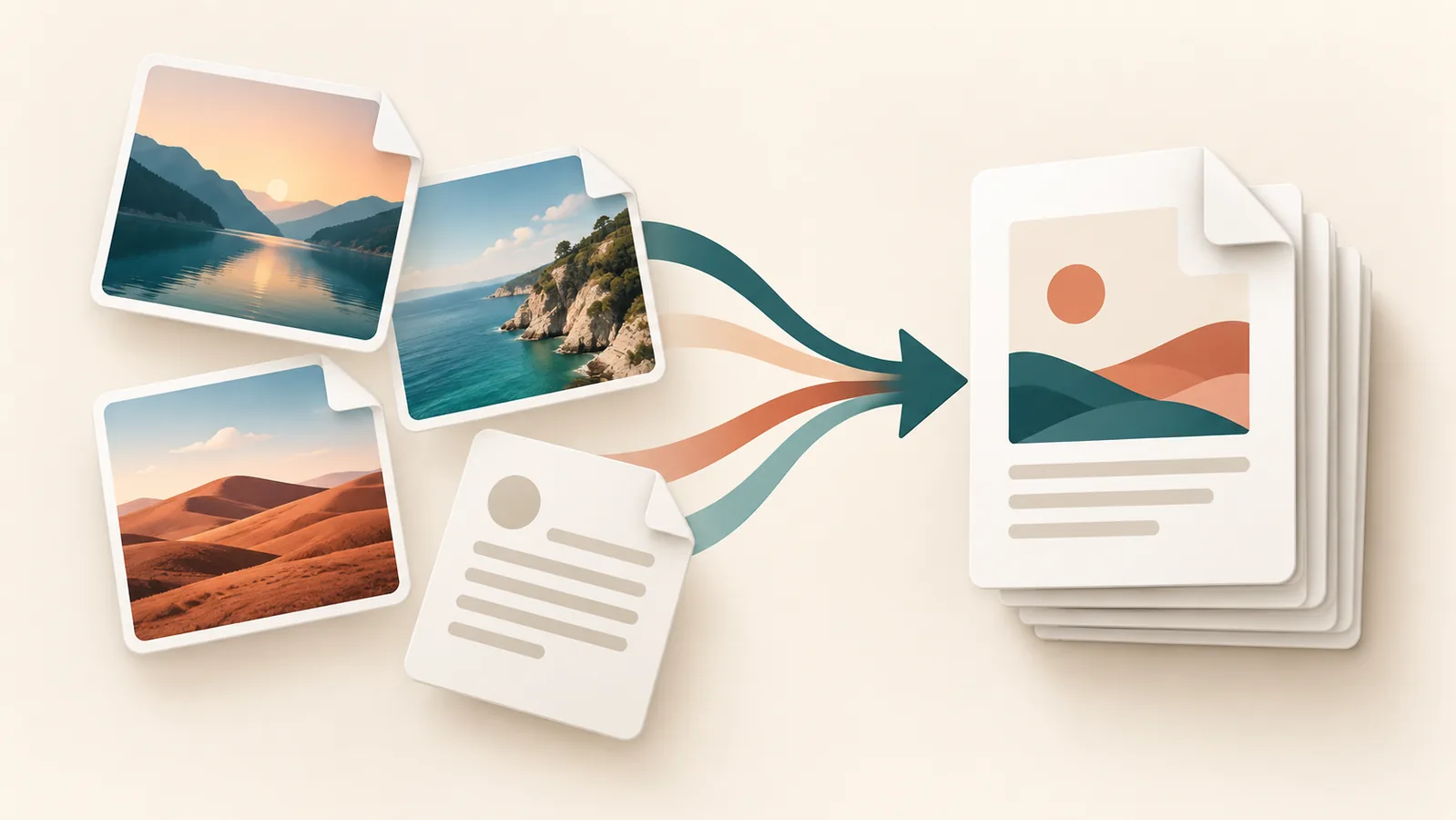
To convert images to one PDF, upload supported files, put them in reading order, choose a page size and layout, then export and inspect the result. Skyhoora’s Image to PDF Converter accepts JPG, PNG and WebP images and lets you arrange them before conversion.
This is useful for a receipt bundle, photographed notes, scanned pages or a small portfolio. Conversion places an image on each PDF page. It does not recognize the words in a photograph or turn them into searchable, selectable text; that requires OCR.
Prepare the images first
Choose the clearest original files. Crop unnecessary background and rotate sideways scans before adding them. Keep a separate copy of the originals so you can correct a page without repeatedly compressing an already compressed image.
The converter accepts JPG/JPEG, PNG and WebP, with a 25 MB limit per file. A phone photo saved as HEIC is not one of these supported inputs: export a compatible copy first. Renaming a file extension does not convert the image format.
Combine images into a PDF, step by step
- Add the files. Open the converter and select the images you want to include. Start with a small batch if your phone has limited memory.
- Arrange the pages. Use the Up and Down controls in the queue, or remove an unwanted file. The displayed image order determines the PDF page order.
- Choose the paper size. Use A4 or Letter for documents intended for printing or formal submission. Check the recipient’s requirements rather than assuming one size is universal.
- Set orientation, margins and fit. Portrait suits most receipts and document scans; landscape can suit a wide photograph. Start with normal margins and Contain to keep the complete image visible.
- Convert and download. Keep the page open while the browser builds the file. Open the downloaded PDF and review every page before sharing it.
Choose a layout that preserves the content
| Setting | Use it for | Watch for |
|---|---|---|
| A4 or Letter | Scans, receipts and printable documents | Use the size requested by the recipient. |
| Portrait or Landscape | Matching the page to the shape of the image | A mixed bundle may need compromises; inspect wide and tall pages. |
| Contain | Keeping the complete image within the available page area | Blank space is preferable to cutting off a total, signature or caption. |
| Cover | Filling the page when cropping is acceptable | Edges can be cropped. Avoid it for documents with important edge content. |
| Normal margins | Readable documents with breathing room | Wide margins leave less space for the image; None brings it closer to the edges. |
Use Auto page size cautiously. The current converter’s Auto calculation uses image pixel dimensions as PDF millimetres, so it can create an unexpectedly large physical page. A4 or Letter is a more predictable choice for printing. The Original fit option can also alter proportions when both dimensions are constrained; Contain is the safer starting point.
Example: For three photographed receipts, arrange the oldest first, use portrait A4 or Letter with Contain, and confirm that all three totals and dates remain readable. This is a suggested workflow, not a claimed test result.
Balance sharpness and file size
A PDF cannot recover detail missing from a blurry source. Small text needs enough pixels to remain readable when the page is viewed normally. Check the downloaded PDF, not just the image thumbnail in the queue.
The converter has no compression-quality slider. Its current export path uses PNG for PNG sources and JPEG encoding for other supported images, so do not assume conversion is lossless. If the recipient imposes a size limit, try a copy of the sources through the Image Compressor before conversion, then compare text and fine detail. Do not reduce dimensions simply to chase a smaller file.
Privacy and mobile considerations
The inspected conversion code reads selected images in the browser and builds the PDF locally; it does not include an image-upload request in that conversion path. That is not a complete privacy or security audit of the website, which also loads third-party scripts. For confidential IDs, medical records or sensitive business documents, use an approved offline workflow instead of relying on a general online-tool claim.
On mobile, large camera photos can use substantial browser memory. If conversion stalls, reduce the batch, close unused tabs or use a desktop browser. Keep the converter visible until it finishes, and check your browser’s Downloads or your phone’s Files app for the result. The precise save location depends on the browser and device.
Common problems and what to check
- A file is rejected: check its actual format and the 25 MB per-file limit. Export a supported copy rather than changing its extension.
- A total or signature disappears: switch from Cover to Contain and review margins.
- A page looks stretched: use Contain rather than Original, and verify the source aspect ratio.
- Pages are out of order: correct the queue with Up/Down, then export again. Do not rely on filename sorting alone.
- Text is blurry: start with a sharper source or less aggressive pre-compression. Enlarging a low-resolution scan cannot restore detail.
- The PDF is too large: optimize copies of oversized sources and retest readability. There is no universal quality setting for every scan.
Before you send the PDF
Confirm page count and order, open the first and last page, check small text and page edges, and verify the final file size against the recipient’s limit. Use a descriptive filename such as receipts-september.pdf. If you need to convert a different kind of source rather than combine images, the PDF converter guide explains the surrounding workflow.
Implementation reference: the converter uses jsPDF to create the PDF. Its output should be checked in the viewer or submission system where it will actually be used.
Try the related free tools
Merge PDF | Split PDF | Image to PDF
Need help improving a website, SEO, or tracking setup? Request a free Skyhoora growth review.