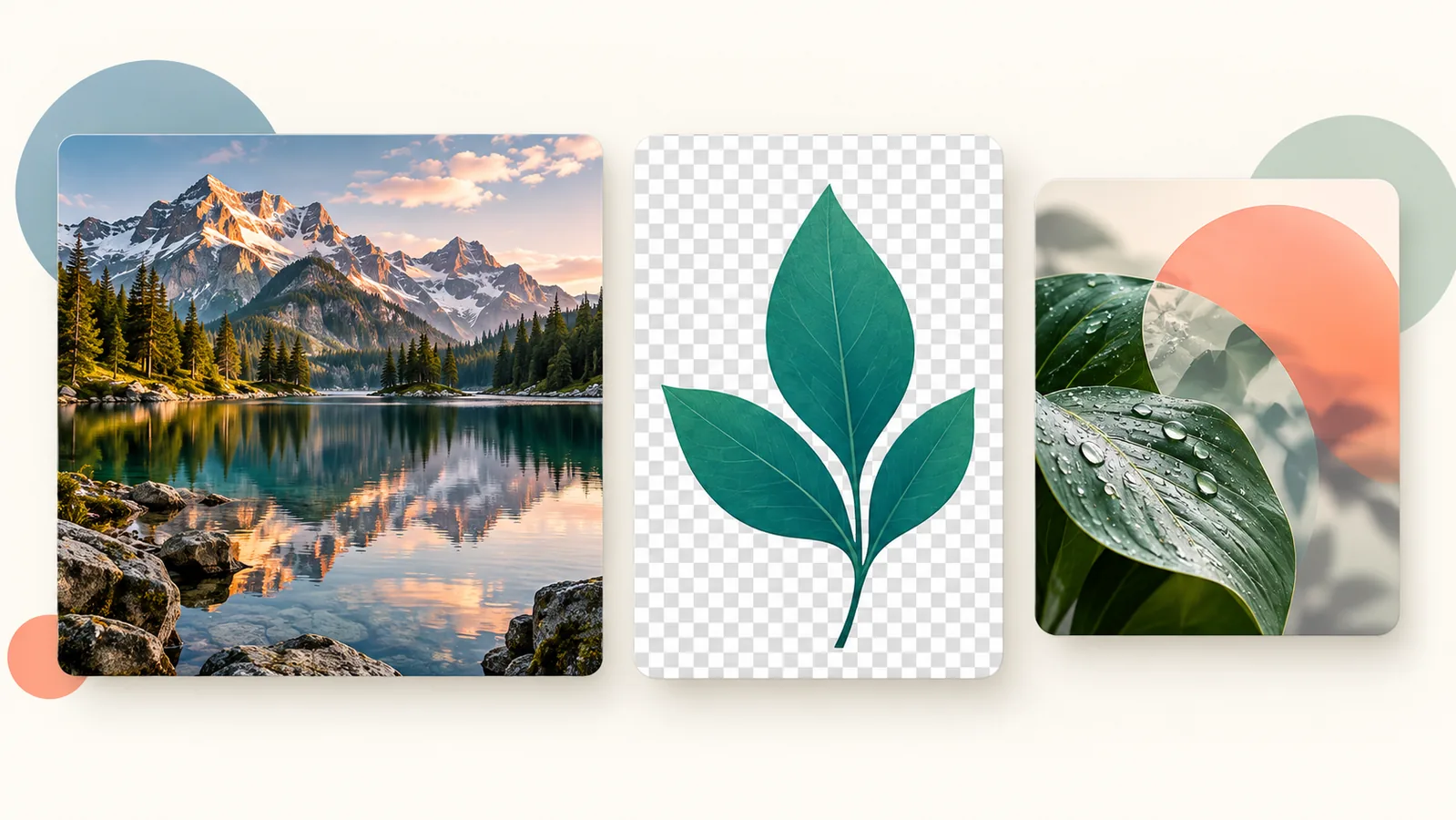
Choose JPG for many photographs when some compression loss is acceptable, PNG when you need lossless raster detail or transparency, and WebP when your publishing workflow supports it and the exported result is a good quality/size trade-off. None is universally best. Compare actual exports of the same image at the same dimensions.
What changes when you choose a format?
| Format | Useful starting point | Limitation to check |
|---|---|---|
| JPG / JPEG | Photographs without transparency | Lossy compression can damage edges and detail; no transparent background. |
| PNG | Text-heavy screenshots, graphics and transparent raster assets needing lossless detail | Can be much larger for photographs; compression does not remove excess dimensions. |
| WebP | Web photos or graphics; lossy and lossless modes can support transparency | Check the export mode and recipient/platform support, not just the extension. |
JPG and JPEG name the same format. Lossy compression discards some information; lossless compression preserves the encoded image’s pixel data. Lossless export cannot restore detail already removed by an earlier lossy save. See MDN’s image format reference for format capabilities.
Google’s WebP documentation describes its lossy, lossless and transparency support. That does not mean every WebP export will beat every JPEG or PNG. The source, dimensions, settings and visual requirements matter.
Choose by the image’s job
A photograph on a website
Export JPEG and WebP candidates at the intended dimensions. Compare faces, gradients and textured areas at the real display size, then compare bytes. Keep the clearer candidate if the smaller one shows distracting artifacts. Do not apply a claimed universal percentage saving to your own image without measuring it.
A screenshot containing small text
Start with PNG or a suitable lossless WebP export. Inspect letters, fine lines and flat-color edges. A photograph-friendly lossy setting can leave halos around text. Cropping irrelevant screen area may be more useful than pushing quality lower. This is a selection scenario, not a claimed benchmark.
A graphic that needs a transparent background
Use PNG or an appropriate WebP export and check the edges against the page’s actual background. JPEG will not keep transparency. A separate vector source, such as a properly prepared SVG logo, may be a better publishing choice than rasterizing the logo at all; this comparison concerns raster outputs.
Run a fair export comparison
- Keep the original file untouched. Work from one source, not a chain of compressed copies.
- Crop and choose a sensible output width before comparing formats.
- Export candidates with matching pixel dimensions. Equal numeric quality settings in different encoders are not a guarantee of equal visual quality.
- Inspect text, edges, gradients and transparency at the intended display size.
- Record file sizes and choose the acceptable result, not merely the smallest extension.
The inspected Image Compressor offers JPEG, PNG and WebP output and dimension controls. PNG does not respond to its quality slider in the same way as lossy JPEG/WebP. Recompression can sometimes produce a larger file, so review the download. Do not rename photo.jpg to photo.webp and expect a conversion; the encoded bytes must change.
Check browser and recipient compatibility
WebP is supported by major current browsers, but a recipient’s application, upload form or older workflow may impose different requirements. If a submission asks for JPEG or PNG, follow that requirement rather than treating web delivery support as universal acceptance. A working browser preview is not proof that the next system accepts the file.
For WordPress, verify the published image too
Format choice is only the export decision. Correct dimensions, responsive delivery, image purpose and loading behavior still affect the page. Use the WordPress image optimization workflow for that broader task instead of assuming conversion alone improves performance.
WordPress can generate smaller attachment sizes and responsive image markup; its responsive-image documentation explains the mechanism. After upload, check the actual selected image source, crop and sharpness on desktop and mobile. Preserve the original for future exports and describe meaningful visuals with ALT text based on what they show.
Try the related free tools
Image Compressor | Image Resizer | Image Converter
Need help improving a website, SEO, or tracking setup? Request a free Skyhoora growth review.