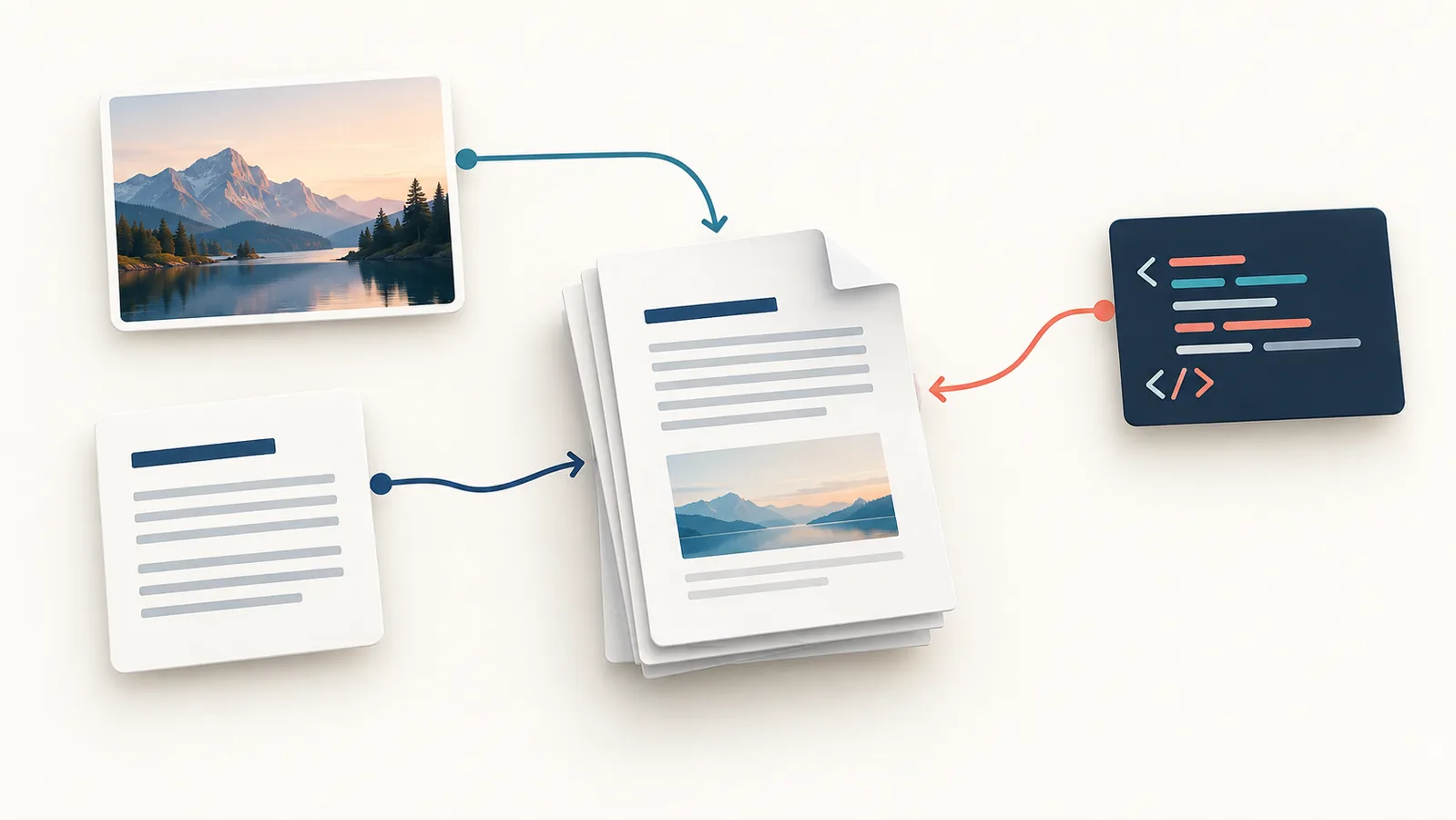
PDF conversion changes a source file into a PDF, or changes a PDF into another format. Choose the tool by the input you have and the result you need. Combining existing PDFs, extracting pages and recognizing text in a scan are different jobs; a converter does not necessarily do all of them.
Start with the PDF tools directory, but decide the job before selecting a tool. A readable file is not automatically editable, searchable, accessible or suitable for a formal submission.
Match the tool to the source and the task
| What you have | What you need | Start here |
|---|---|---|
| Photos or scanned image files | One document with an image on each page | Image-to-PDF conversion; inspect reading order and small text. |
| Plain text | A simple readable document | Text-to-PDF; check line wrapping and page breaks. |
| Simple HTML and CSS | A fixed-layout handout or report | HTML-to-PDF; inspect how the converter handles layout. |
| Several existing PDFs | One combined PDF | Merge, not conversion; verify page order. |
| An existing PDF | Only certain pages | Split or extract pages; verify the selected range. |
| A photographed page | Searchable or selectable words | An OCR workflow, not image placement alone. |
The Skyhoora directory lists image, text and HTML creation tools alongside PDF merging and page extraction. It is not a promise of Word-to-PDF conversion, secure redaction, signatures or OCR. Use an application’s own PDF export when it has the editable document you want to preserve.
Keep the editable source when you have one
If you wrote a document in a word processor, keep that original and export a PDF copy for distribution. Taking screenshots first can turn readable text into pictures and make later corrections harder. Conversion cannot recover detail that was absent from the source.
Example: a bundle of photographed receipts needs clear images in the correct order. A written proposal needs a checked export from its authoring application. Both can end as PDFs, but the preparation is different. These are illustrative scenarios, not claimed test results.
For photographs, follow the image-to-PDF guide for the actual queue, page-size and fit controls. For a web-style layout, use the HTML-to-PDF guide. This page helps choose the workflow rather than repeat those instructions.
Decide the recipient’s requirements before exporting
- Paper and orientation: check whether A4, Letter, portrait or landscape is required. A PDF can display on screen yet print awkwardly.
- File-size limit: find the actual upload limit. There is no universal compression setting for every scan.
- Reading order: remove unwanted files and arrange the source before conversion. Confirm the exported order afterward.
- Text and accessibility: ask whether the recipient needs searchable text or an accessible tagged document. Do not assume a lightweight converter supplies either.
- Special features: signatures, interactive forms, reliable redaction and professional print output need an appropriate specialist workflow.
Check quality rather than only the file extension
Open the exported file and look at small text, page edges, tables and photographs at a normal reading size. A smaller file is not a useful improvement if an invoice total or a caption disappears. If an image-based PDF looks blurry, return to the original scan rather than repeatedly recompressing the PDF.
Try selecting a few words if selectable text is important. If only the whole page behaves as an image, the conversion did not provide a text layer. OCR can help recognize words, but its result still needs checking; it does not guarantee correct numbers or names.
Use a cautious workflow for sensitive documents
The inspected image-to-PDF conversion path builds the file in the browser. That observation is not a sitewide privacy or security audit. Different tools can process inputs differently, and a website can load third-party scripts. For IDs, health records, confidential client files or documents with binding requirements, use your organization’s approved offline or managed process.
Review the PDF in its real destination
- Keep an untouched source copy and create a clearly named export.
- Check page count, order, orientation, margins and completeness.
- Inspect the first and last pages and any dense text or tables.
- Confirm file size and required text/accessibility features.
- Open it in the intended viewer or submission system before sending it.
Only call the conversion finished when the recipient can use the result for the task. A successful download alone is not that check.
Try the related free tools
Merge PDF | Split PDF | Image to PDF
Need help improving a website, SEO, or tracking setup? Request a free Skyhoora growth review.